
Smart Data Transfer
Share files between two phones over a direct Wi-Fi connection. No internet, no cable, no account.
GET IT ONGoogle PlayFree for Android. Your files never go through a server.

 No InternetWorks completely offline
 No CableNo USB cable needed
 No AccountNo sign up or login required
 Super FastDirect Wi-Fi speed
How It Works
Transfer your files in 3 simple steps
Open the app
Install and open Smart Data Transfer on both phones and keep Wi-Fi on.
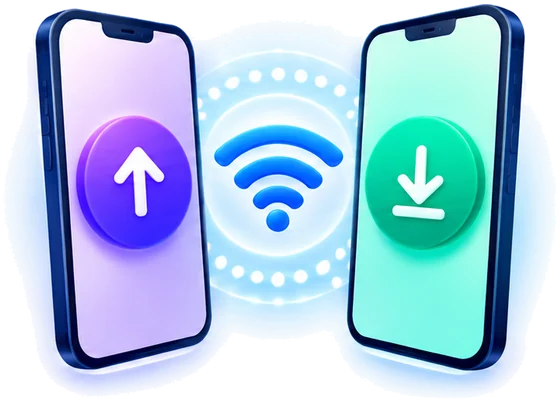
Connect via Wi-Fi
Tap Send on one phone and Receive on the other, or pair with a QR code.
Select and transfer
Choose the files you want to share and start transferring instantly.
Share All Your Important Files
Transfer photos, videos, documents and more between Android phones.
 Photos
 Videos
 Documents
 Apps
Apps Music
Music Folders
 And More
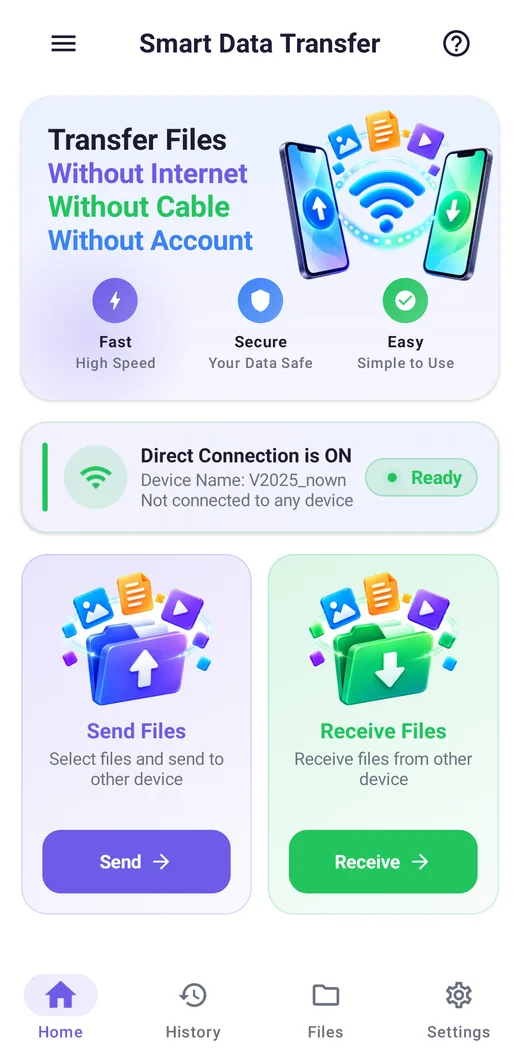
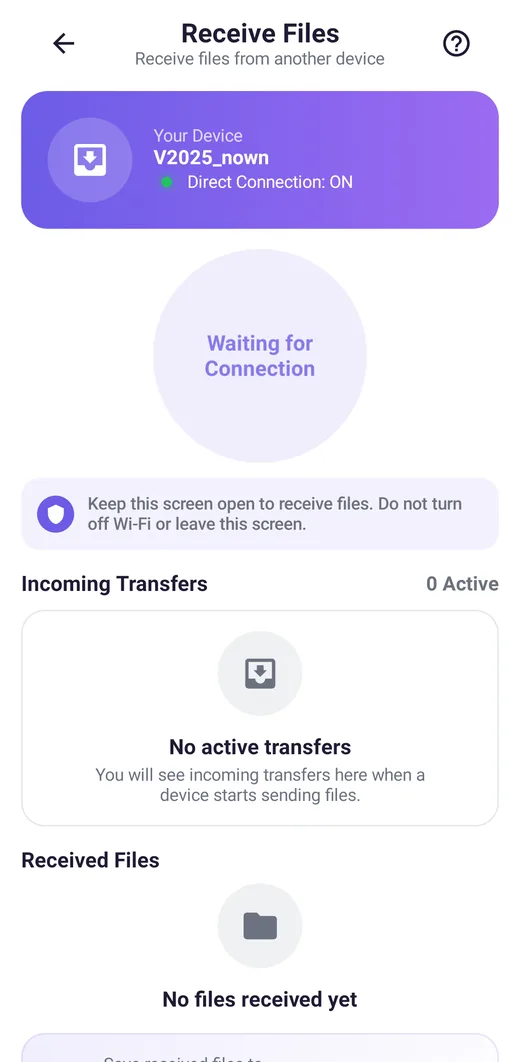
See it in action
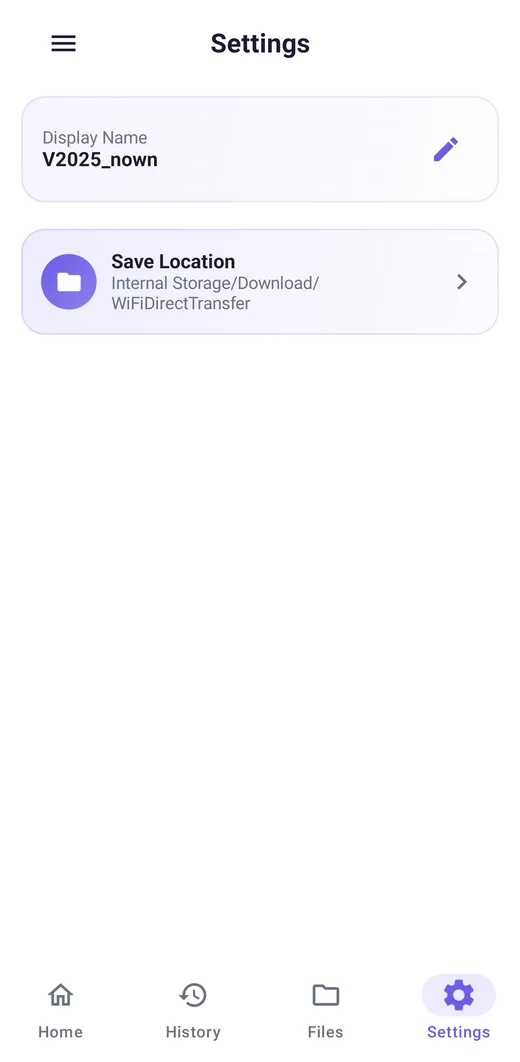
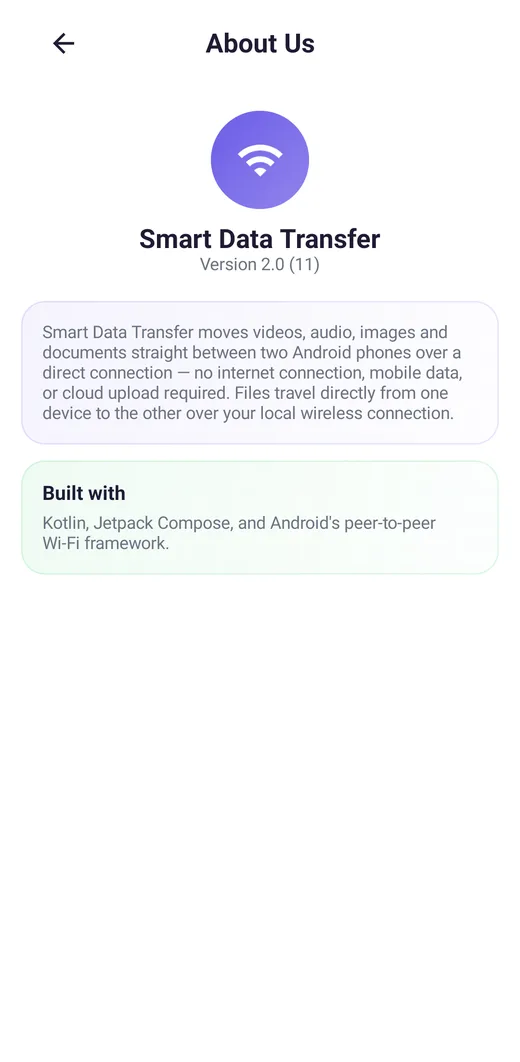
Real screens from the app
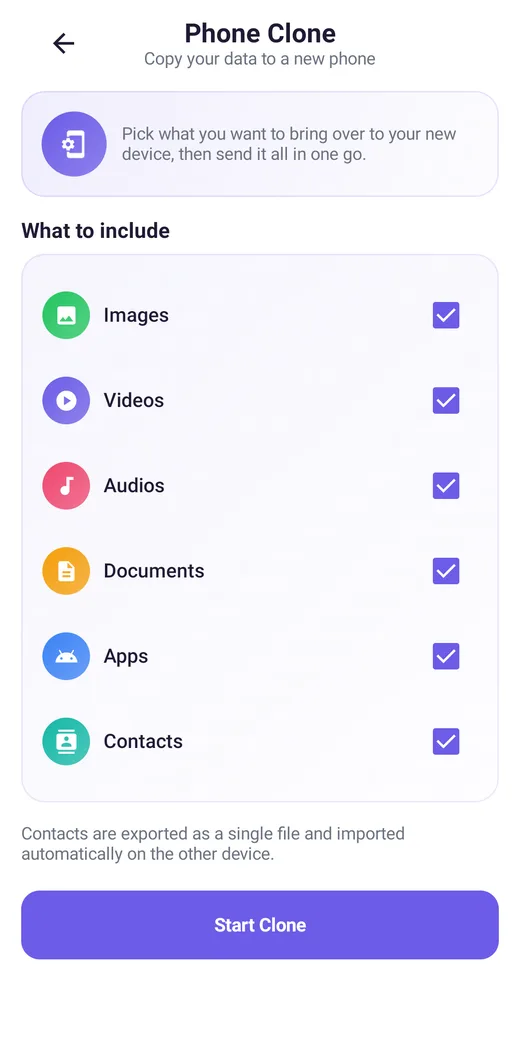
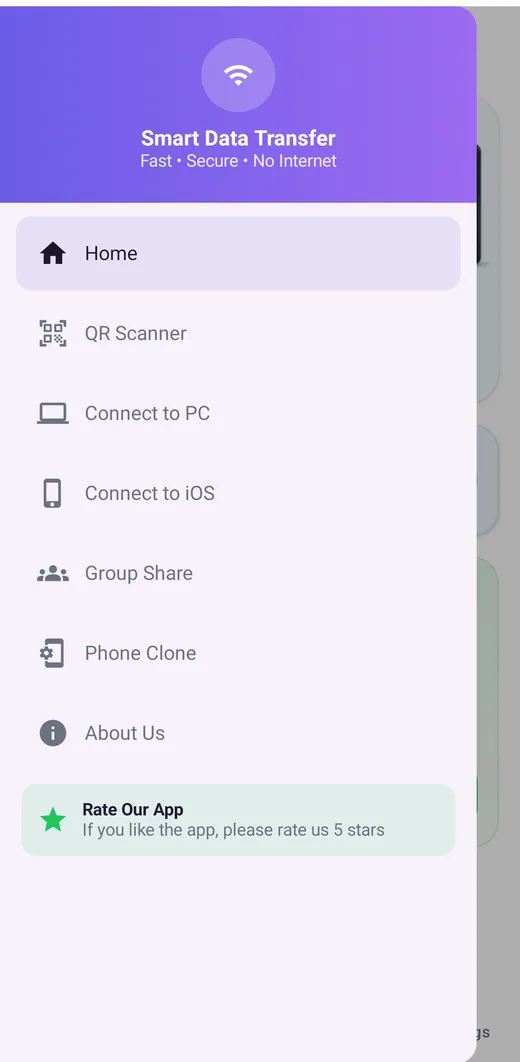
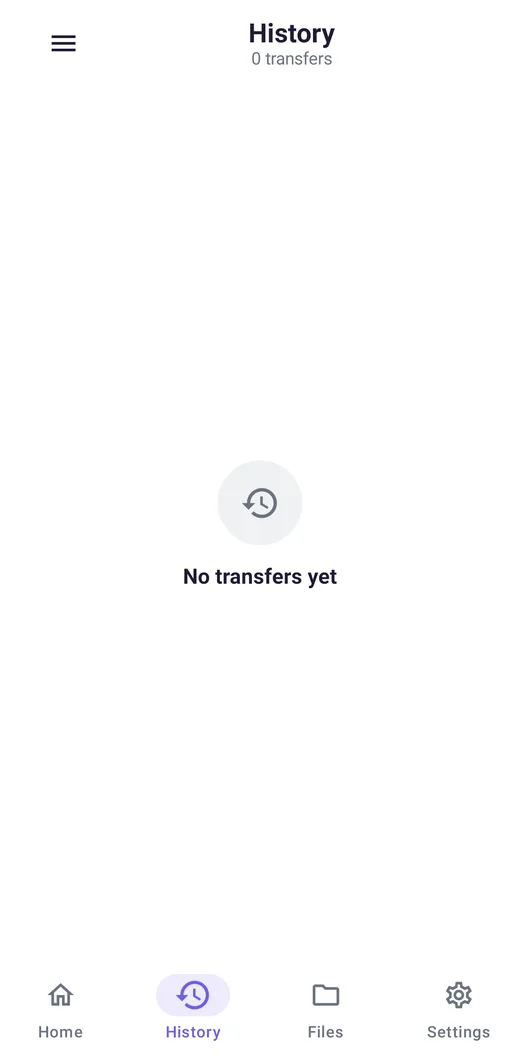
Screenshots taken on a phone with the current version of the app.
Features
Everything you need to move your files
One small app for phone to phone, phone to PC and phone to iPhone.

Send files
Pick photos, videos, music, documents or apps and send them to a nearby phone. Only the files you select leave your device.
Receive files
Wait for a connection, watch incoming transfers live, and open what you received from the same screen.
Direct Wi-Fi
Uses Wi-Fi Direct: your phone talks straight to the other phone. No router, no mobile data, no internet.
QR pairing
Show a QR code on one phone and scan it on the other to connect in seconds.
Phone clone
Moving to a new phone? Bring over images, videos, audio, documents, apps and contacts in one go.
Group share
Host a group and send the same files to several phones at once.
Connect to PC
No cable and no app on the computer: open the address or QR code from your phone in the PC's web browser.
Connect to iPhone
Share files with an iPhone or iPad through Safari, using a one-time access code.
Transfer history
See what you sent and received: file names, sizes and times, kept only on your phone.
My files
Browse everything on the device by type and open files without leaving the app.
Your device name and folder
Change the name other phones see and choose where received files are saved.

Progress in the notification
Long transfers keep running reliably, and you can follow them in the notification shade.
Privacy
Your Files Stay Private
Files are transferred directly between your devices over a local Wi-Fi connection. No account, no cloud upload, nothing stored on our servers.
- No account, sign-up or password
- No server we run ever sees your files
- Contacts, camera and media are only used when you use the matching feature
- Transfer history stays in the app's private storage on your phone
- Ads come from Google AdMob. We add no analytics of our own
FAQ
Questions, answered
Do I need an internet connection?
No. Phones connect to each other directly with Wi-Fi Direct, so no router, mobile data or internet is needed. Wi-Fi itself must be switched on.
Is it free?
Yes. The app is free and shows ads from Google AdMob.
What can I send?
Photos, videos, music, documents and apps. Phone Clone can also move contacts, which are exported to a single file for that one transfer.
Can I send files between Android and an iPhone or a PC?
Yes, through Connect to iOS and Connect to PC. Your phone runs a small local web page and the other device opens it in a browser, using the one-time code in the QR code or link.
Can I send to several phones at once?
Yes. Use Group Share: one phone hosts, the others join, and everything you send reaches all of them.
Is it safe and private?
There is no account and no cloud upload. Files go straight from one device to the other and never touch a server we run. See the privacy policy for details.
Why does the app ask for these permissions?
Media access lists your files so you can pick what to send, the camera scans QR codes, contacts are only used if you turn on Contacts in Phone Clone, and nearby Wi-Fi access is required by Android to find phones. None of it is used to track your location.
The other phone is not found. What can I do?
Make sure the other phone has the app open on the Receive screen, that mobile hotspot is off on both phones, and then rescan. On some brands (Tecno, Infinix, itel and a few others) open the phone's own Wi-Fi Direct screen once first.
Which languages are supported?
English, Arabic, Bengali, Spanish, French, Hindi, Portuguese, Russian, Urdu and Chinese.
Get Smart Data Transfer Now
The simple, fast and secure way to share files between your phones.
Get it onGoogle Play