


Pregnancy
First Trimester: What to Expect
From missed periods to morning sickness, a guide to your first 13 weeks.
Free Android app · 10 languages
Track every week, log symptoms, count kicks and keep your memories in one calm app.
GET IT ONGoogle Play
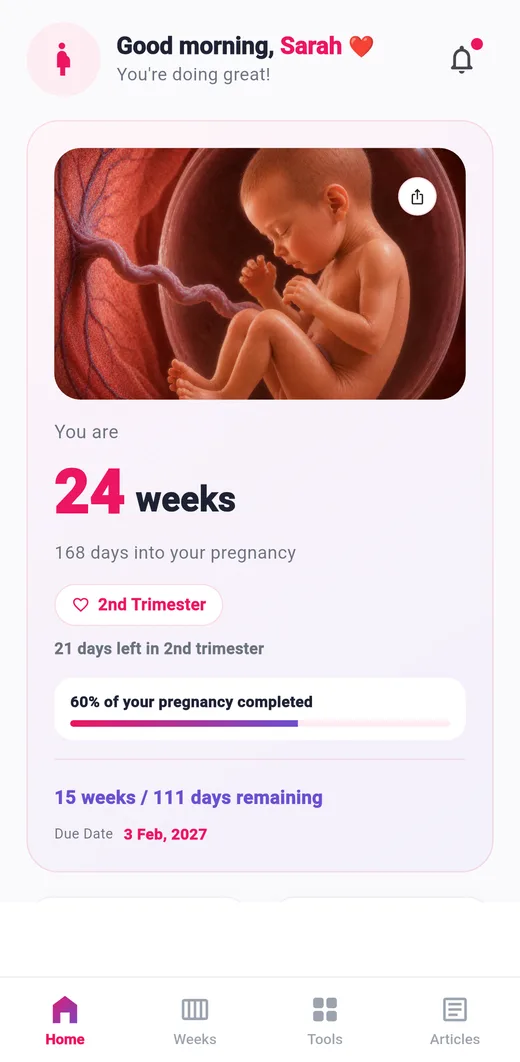
 Track your pregnancy
 Watch your baby grow
 Log symptoms and mood
 Count kicks
 Helpful tips and articles
 Save your memories
 Prepare for your baby
Watch them grow
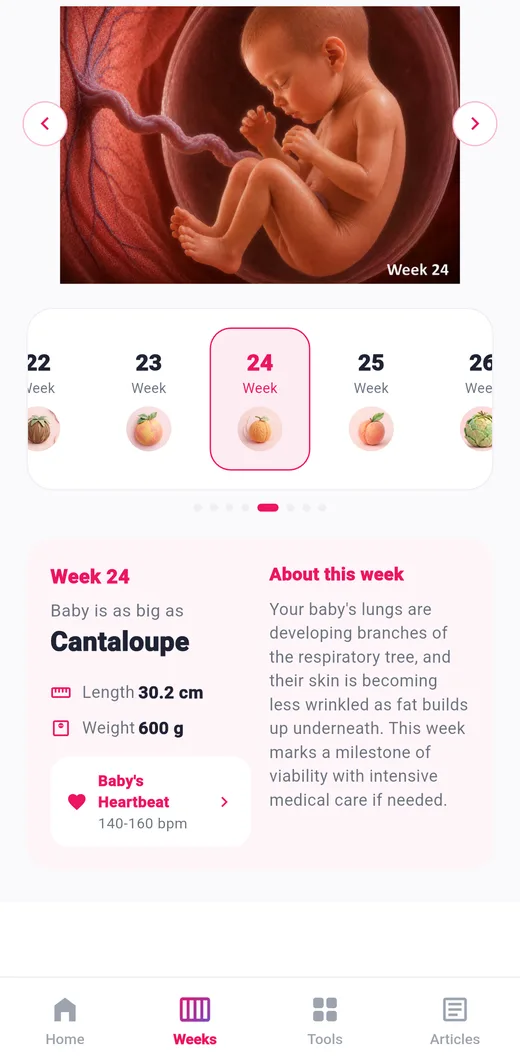
Every week compares your baby to a fruit, with length, weight and what is happening for you.
 Week 4Poppy seed
 Week 8Raspberry
 Week 12Lime
 Week 16Avocado
 Week 20Banana
 Week 24Cantaloupe
 Week 28Eggplant
 Week 32Squash
See it in action
Screenshots taken on a phone with the current version of the app.
Features
A guide for every week, plus 20 tools for each stage of your pregnancy.
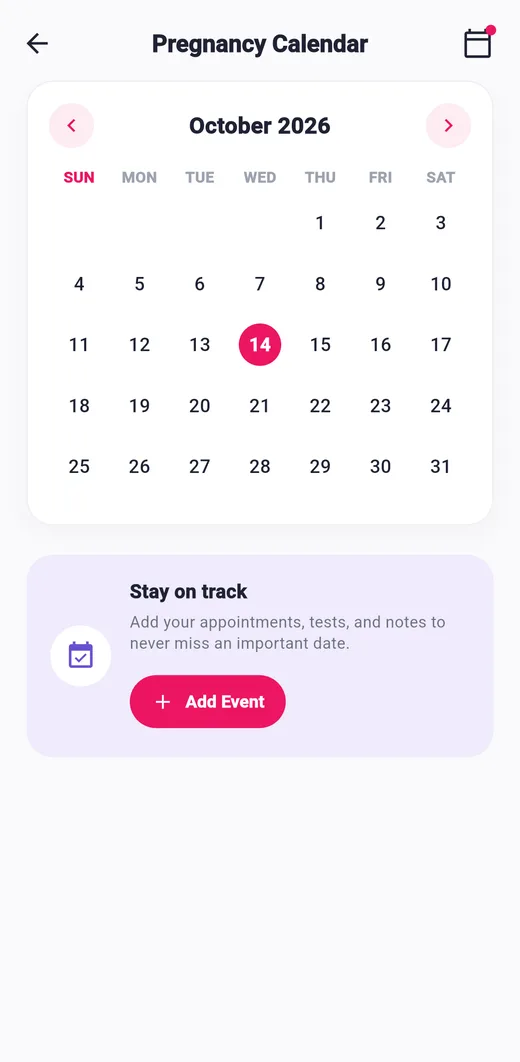
View your pregnancy calendar and events, and add appointments, tests and notes with optional reminders.
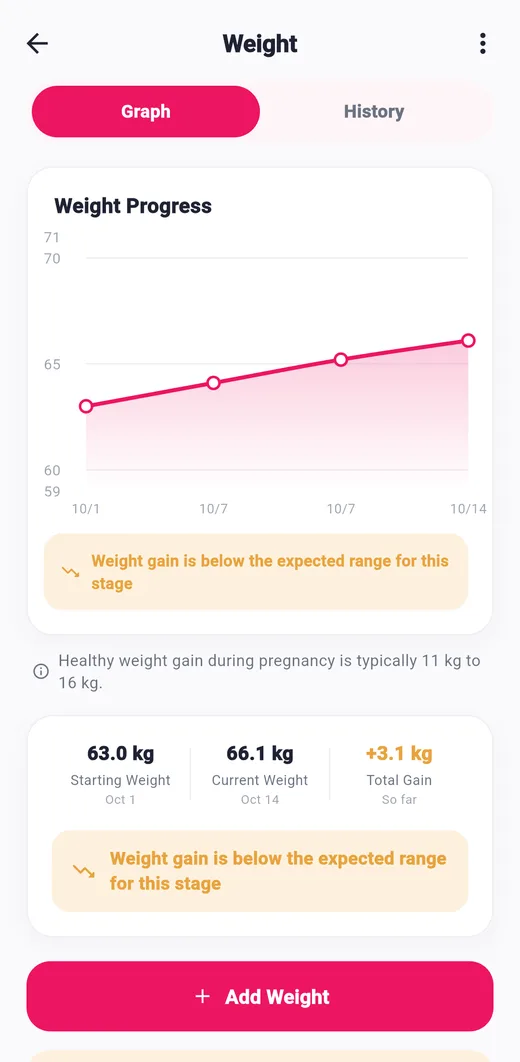
Log your weight in kg or lbs, see a progress graph and your total gain, and set a daily reminder if you like.
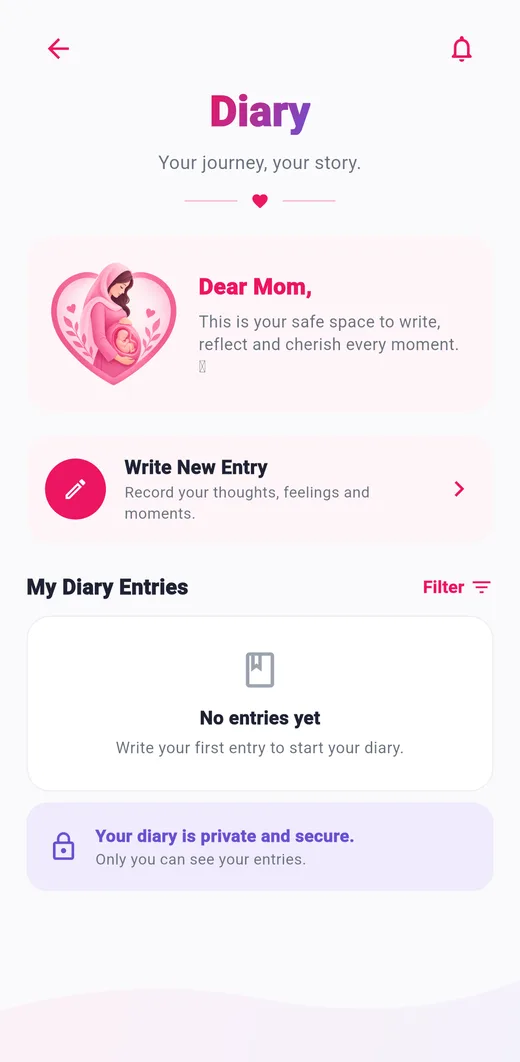
A private place to write notes and keep your memories, with a filter to find old entries.

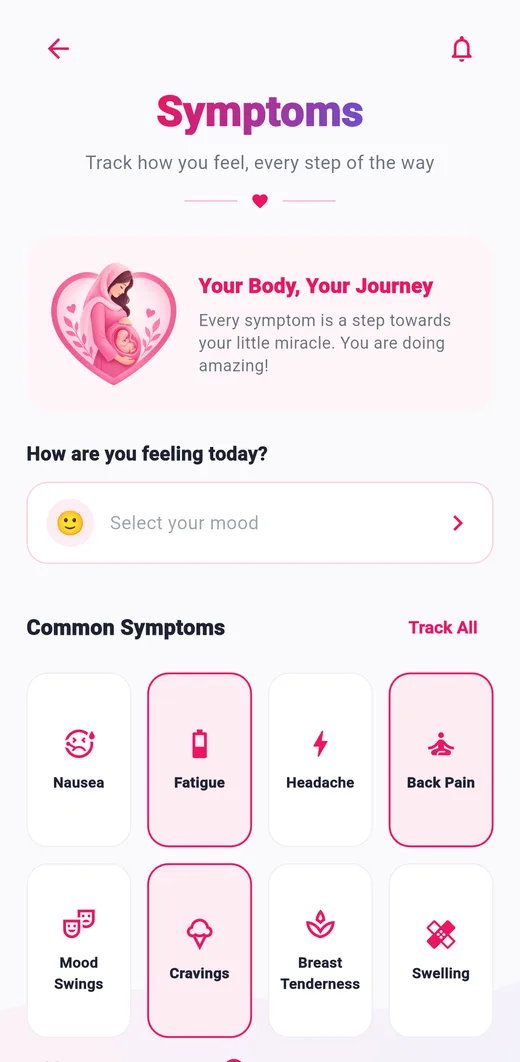
Tap common symptoms such as nausea, fatigue or back pain, pick your mood, or add your own.

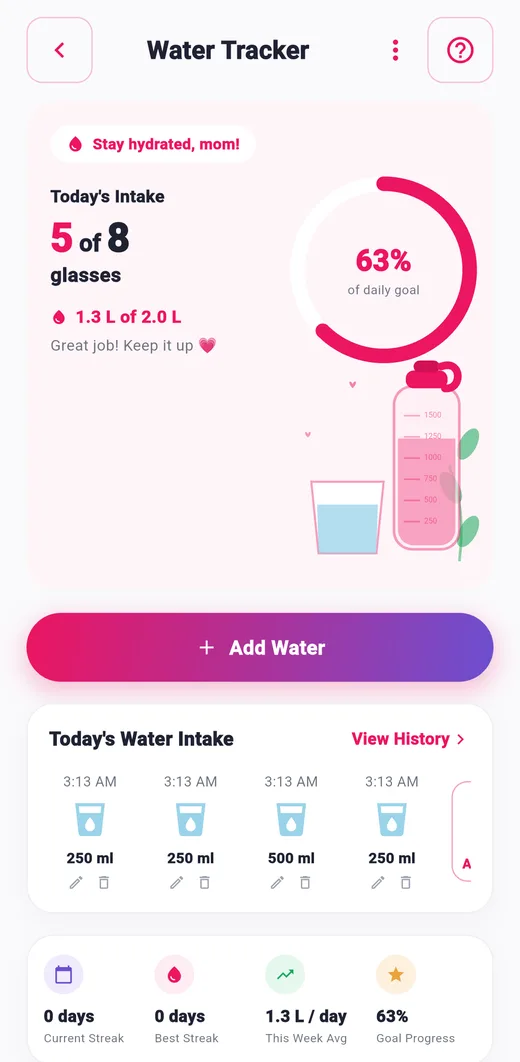
Log glasses of water and follow your daily goal, streaks and weekly average.

Log your bedtime and wake-up time and look back at how you rest.
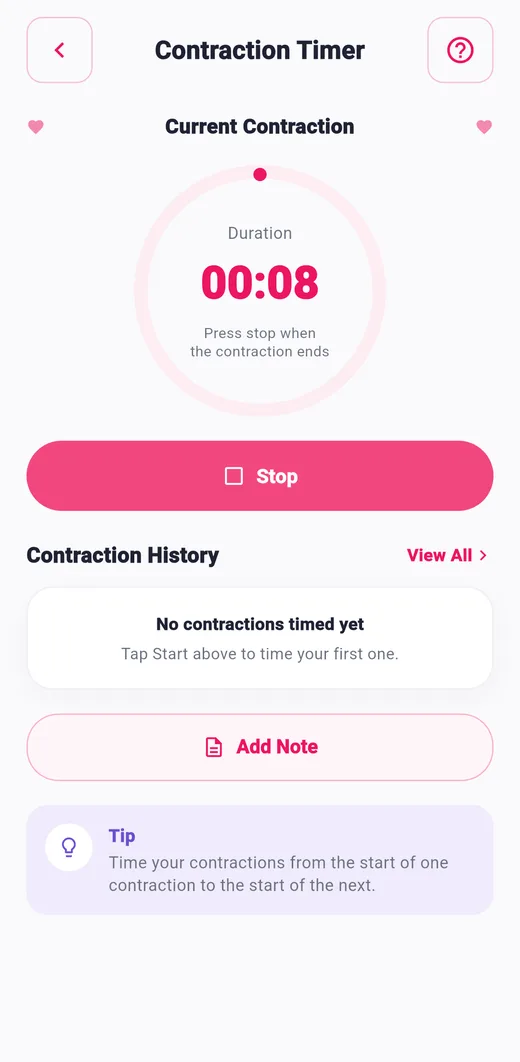
Time each contraction and the gap between them, with a history and notes.
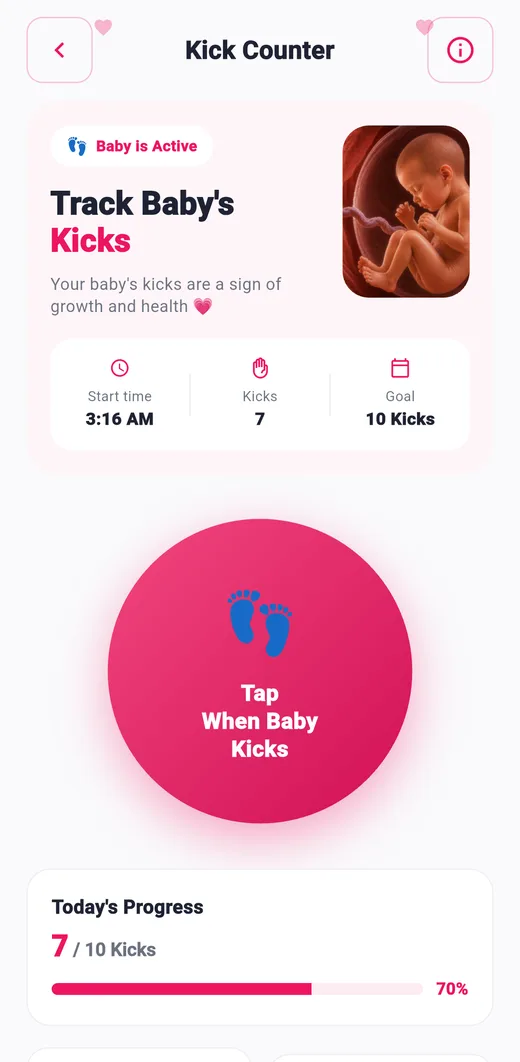
Tap each time your baby kicks, follow a daily goal and review your kick history.
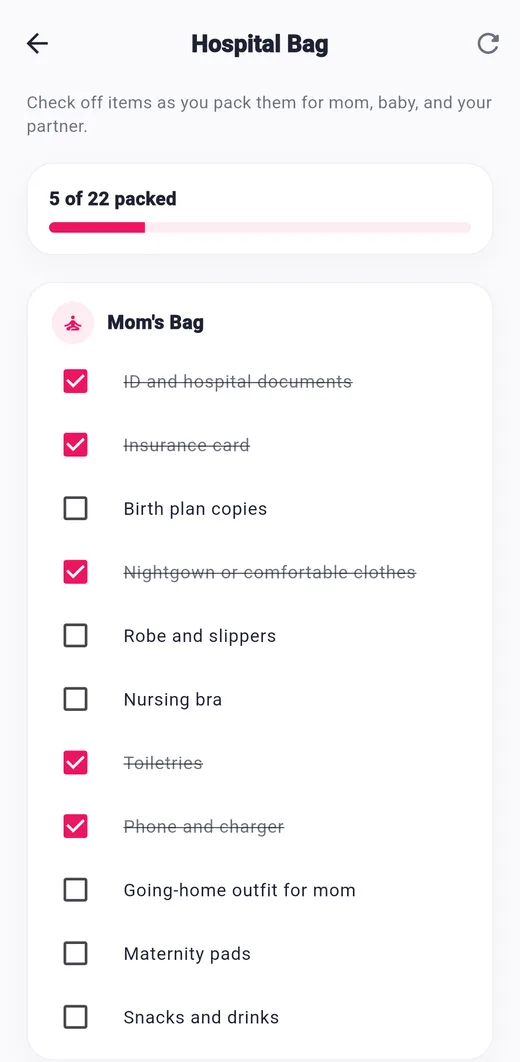
A ready-made checklist for mom, baby and your partner, with a packing progress bar.

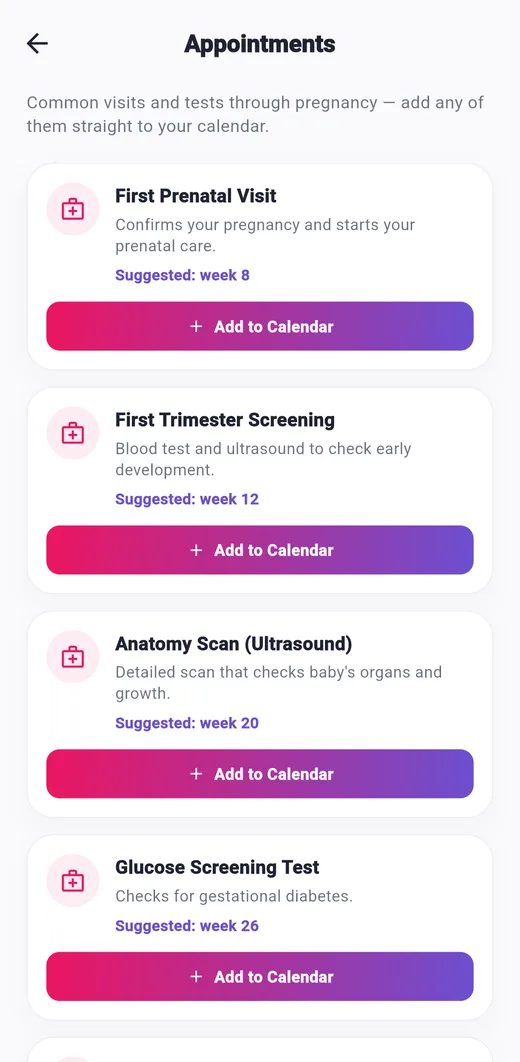
Common prenatal visits and tests with the suggested week. Add any of them to your calendar in one tap.

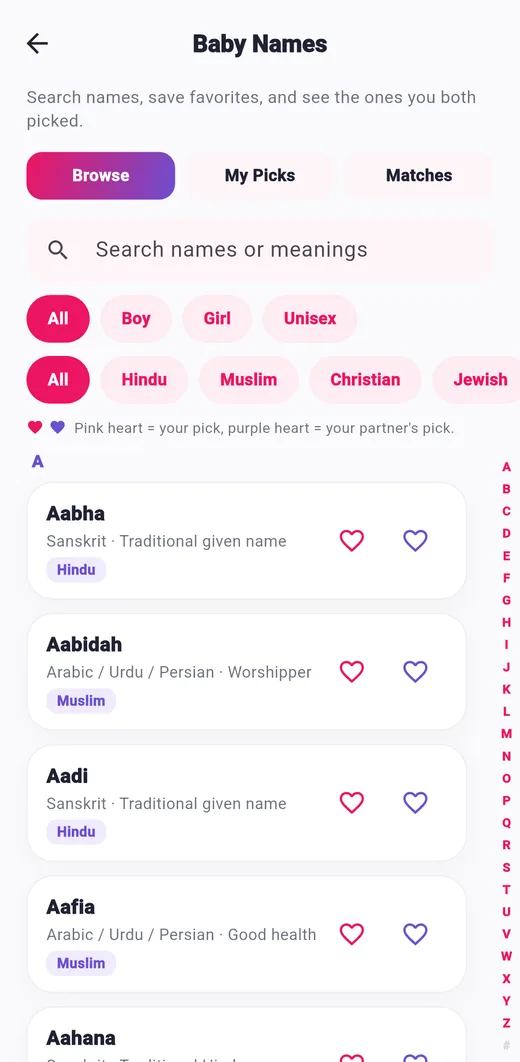
Search names by meaning, gender and origin, save favourites, and see the names you and your partner both picked.
Capture your bump week by week and build a photo timeline.

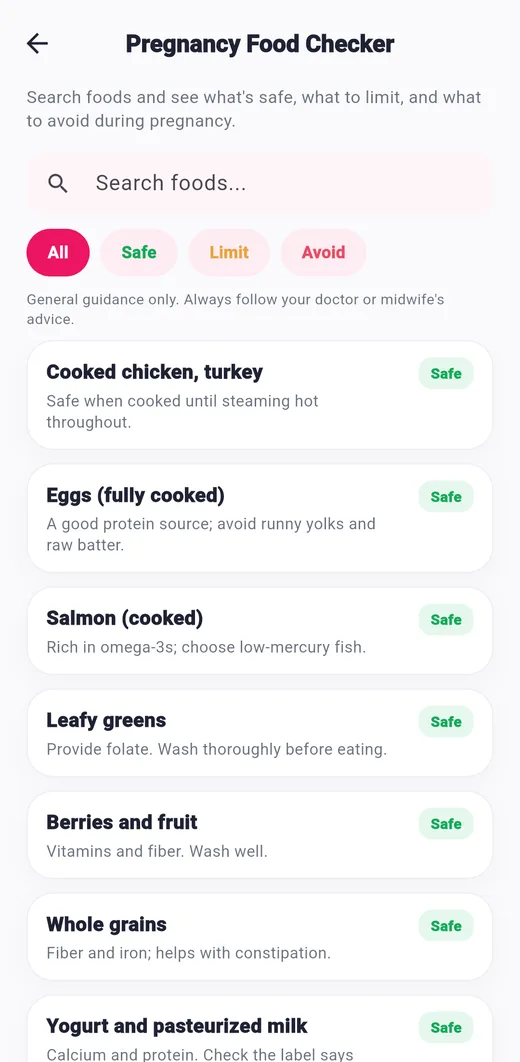
Search foods and see whether they are safe, to limit or to avoid during pregnancy.

Add your medicines and prenatal vitamins, set times and tick off each dose.

Keep a running list for your next appointment and check questions off once asked.

Plan the furniture, feeding gear and essentials you need before baby arrives.
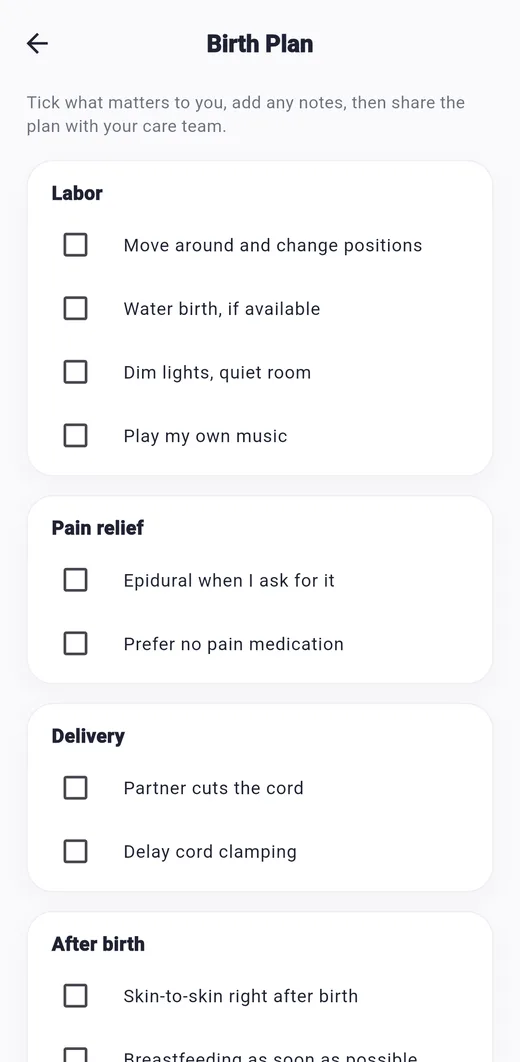
Tick your preferences for labor, pain relief, delivery and after birth, add notes and share the plan.

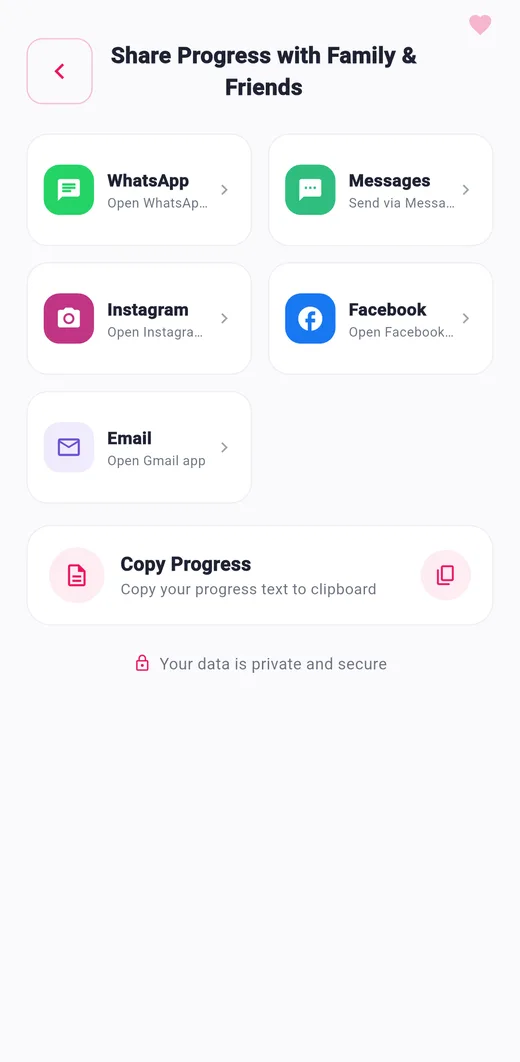
Send a short summary of your week to WhatsApp, Messages, Instagram, Facebook or Gmail, or copy it.
Export your data to a file you control and restore it on this device any time.
A notification center for reminders and updates, with a single switch to turn them off.
Plus: milestone messages you can share, a daily tip, helpful articles, and 10 languages.
After the birth
When your baby arrives, enter the birth date and keep tracking the fourth trimester.
Log breastfeeding (left or right), bottle and formula, with duration and amount.

Track wet, dirty or both changes through the day.
Time your baby's naps and night sleep with a simple timer.

A checklist of postpartum check-ins, from the first check-in to the full postpartum checkup.

Log pumping sessions and keep count of your freezer stock.
Record weight, height and head size and follow them over time.
See the common childhood schedule from birth to 15-18 months and add shots to your calendar.
Mark baby's firsts, like the first smile, rolling over or first steps, and keep a photo timeline.
Your journey
Week-by-week information and tools for each trimester.



Learn
Short, clear articles in the Articles tab, filtered by Pregnancy, Baby and Health.
From missed periods to morning sickness, a guide to your first 13 weeks.
Your energy may be back, but here is what else is changing.
Braxton Hicks, hospital bags and birth plans.
How due dates are calculated, and why they are an estimate.
More frequent check-ups, earlier delivery and stronger symptoms.
A 6 minute read to help you feel confident every day.
Privacy
Your entries are kept on your phone. There is no account and no sign-up.
FAQ

Yes. You can download and use it for free. It shows ads from Google AdMob.
No. There is only a quick one-time setup on your phone (name, age and due date). It is not a login and nothing is sent to a server.
Only on your phone, in the app's private storage. Android cloud backup is turned off for the app, and there is no server that receives your entries.
Use Backup & restore in the Tools tab. Export a file, keep it safe, and restore it on the new device. Photos are not included in the backup file.
Delete any single entry, use Clear All inside a tool, or uninstall the app. See the data deletion page.
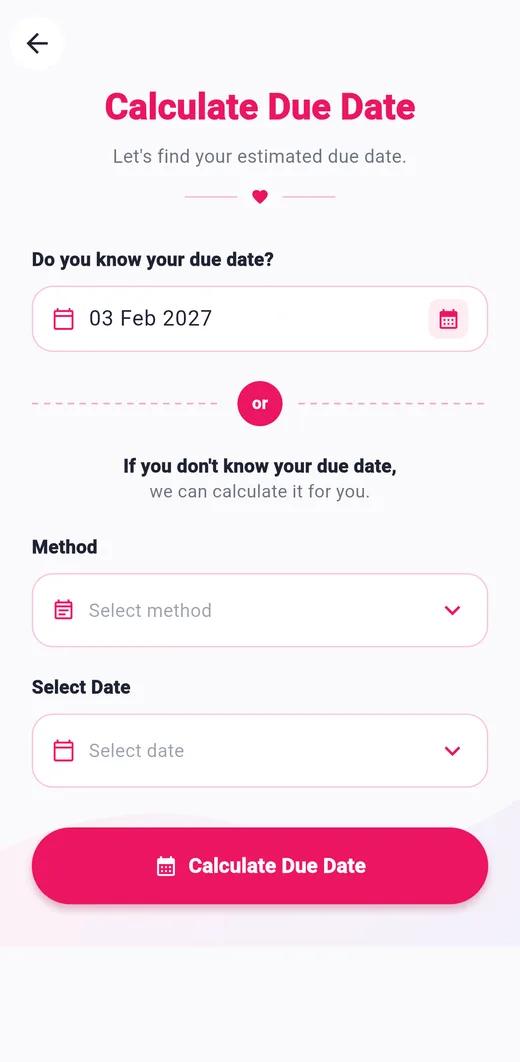
Enter your due date if you know it, or let the app work it out from the first day of your last period or your conception date.
The app has 10 languages: English, Arabic, Bengali, Spanish, French, Hindi, Portuguese, Russian, Urdu and Chinese. It follows your phone's language and falls back to English.
No. The app is for information and personal tracking only. Always talk to your doctor or midwife about your health and your baby.
At the moment the app is for Android, available on Google Play.

